










Saving money on your order is quick and easy! Follow these simple steps to apply your coupon code and enjoy discounts on your purchase.
🛍️ Step-by-Step Guide
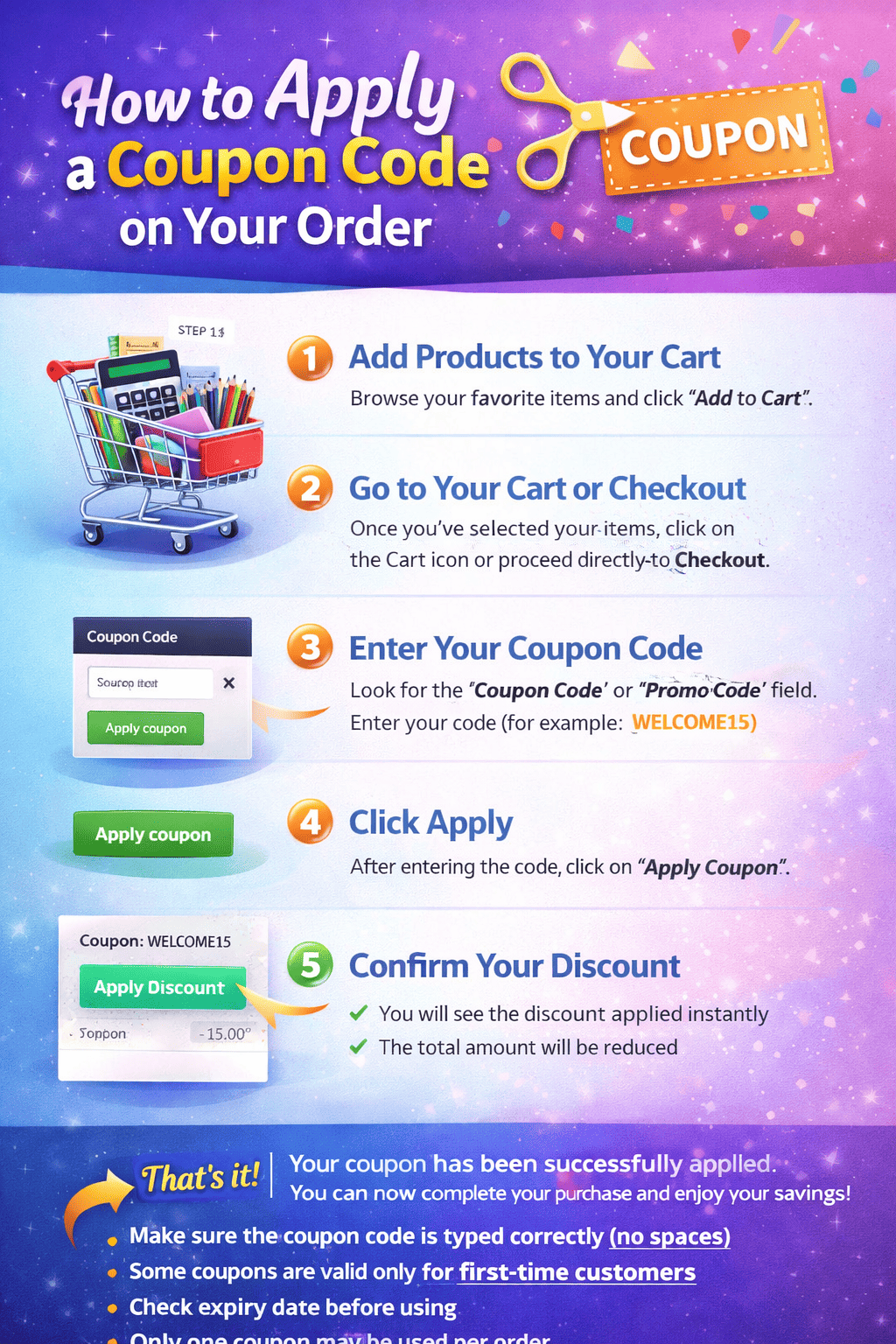
1. Add Products to Your Cart
Browse your favorite items and click “Add to Cart”.
2. Go to Your Cart or Checkout
Once you’ve selected your items, click on the Cart icon or proceed directly to Checkout.
3. Enter Your Coupon Code
Look for the “Coupon Code” or “Promo Code” field.
👉 Enter your code ( WELCOME15)
4. Click Apply
After entering the code, click on “Apply Coupon”.
5. Confirm Your Discount
✅ You will see the discount applied instantly
✅ The total amount will be reduced
🎉 That’s It!
Your coupon has been successfully applied. You can now complete your purchase and enjoy your savings!
Important Tips
- Make sure the coupon code is typed correctly (no spaces)
- Some coupons are valid only for first-time customers
- Check expiry date before using
- Only one coupon may be used per order
Written by Bigy Stationery Limited


No comment